
Veo 3.1 AI Video Generator
Experience cinema-grade AI video creation with Veo 3.1. Control every frame with keyframe mode, extend scenes beyond 8 seconds, and generate synchronized native audio. Veo 3.1 brings realistic motion generation, multi-image reference control, and 1080P quality. From text or images to professional videos—start creating with Veo 3.1 today.
Upload Reference Image
JPG, PNG, WebP
Max 10MB
Veo 3.1 allows you to precisely control the start and end of your AI video. Control the first and last frames with Veo 3.1's keyframe feature to create smooth cinematic transitions and maintain narrative flow.
No Video Yet
Enter a prompt and click generate to create your first video with Veo 3.1's keyframe control and native audio
Veo 3.1 Creative Examples - Keyframe Control & Multi-Image References
Explore Veo 3.1's revolutionary video generation capabilities with keyframe control, multi-image references, and native audio. From images to cinematic videos, experience the infinite possibilities of Veo 3.1 AI video creation.
Image to Video with Veo 3.1
Upload a static image or use Veo 3.1's multi-image reference feature. Veo 3.1 brings images to life with realistic motion, creating smooth and natural dynamic video effects with synchronized native audio.
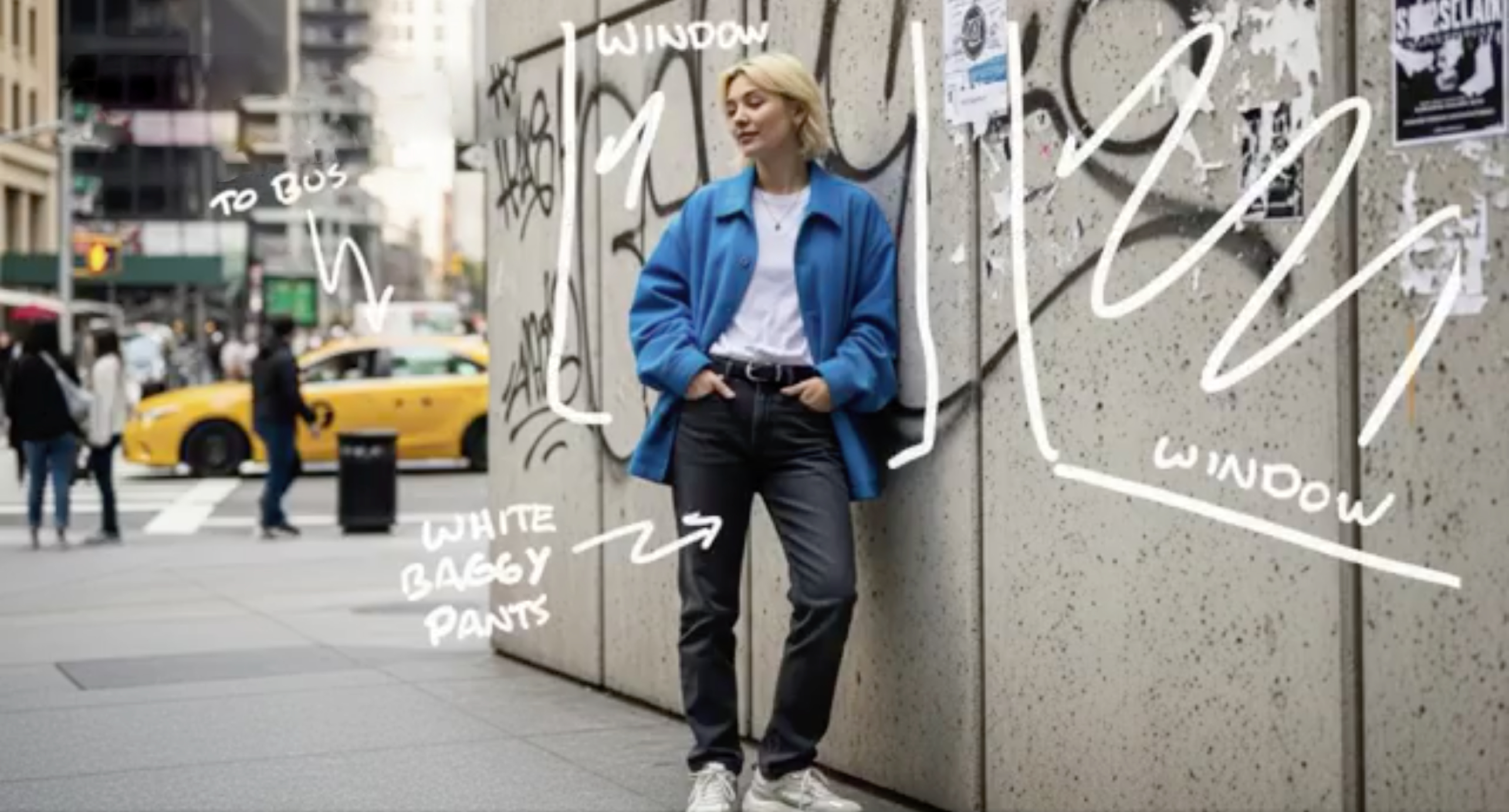
Text to Video with Veo 3.1
With detailed text descriptions, Veo 3.1 understands your creative vision and generates stunning cinematic content with native audio and realistic motion
"Ultra-fast tracking shot through a sprawling futuristic cityscape where towering buildings are made of reflective organic chrome, glistening under a bright midday sun. Rainbow light flares and crystalline bokeh scatter across the frame as the camera dynamically weaves between structures. The sequence transitions into a seamless close-up zoom into a translucent chrome hive, where a highly detailed robotic worker bee is seen crafting with mechanical precision. The scene is rendered with hyperrealistic 4K clarity, soft lens depth, and ambient sci-fi audio humming in the background, evoking the mood of a high-budget cyber-futurist film."
Revolutionary Features of Veo 3.1 AI Video Generator
Veo 3.1 introduces groundbreaking capabilities for cinematic video production. Control keyframes, extend duration, use multiple image references, and generate native audio with the most advanced AI video technology.
Keyframe Control in Veo 3.1 - Start and End Frame Precision
Precisely control the start and end of your AI video with keyframe mode. Control the first and last frames to create smooth cinematic transitions. This keyframe feature gives your clips clear pacing and rhythm, ensuring every scene feels complete and intentional with advanced frame control.
Multi-Image References in Veo 3.1
Guide your video's visual direction with multiple reference images. Provide different images to shape character design, lighting style, or color tone. Veo 3.1 ensures visual consistency across every shot, maintaining coherent aesthetics throughout your generated video with multi-image reference technology.
Native Audio and Enhanced Sound Effects in Veo 3.1
Veo 3.1 automatically adds native audio to your creations, including dialogue, ambient sound effects, and action-synchronized audio. Audio perfectly syncs with visuals, enhancing immersion and realism. This eliminates the need for separate audio editing and brings videos to life with professional sound.
Extend Video Duration Beyond 8 Seconds
Break through the 8-second limit with the extend feature. Naturally continue actions and narratives to create longer, more dynamic videos. Veo 3.1 allows seamless scene continuation, perfect for complex storytelling and professional video production.
Character Consistency Design in Veo 3.1
Upload character reference images to ensure consistent identity, appearance, and actions across every frame. Veo 3.1 maintains visual consistency across multiple scenes, creating smooth, professional narratives. This character consistency feature is ideal for character-driven storytelling and brand content.
How to Create Cinematic Videos with Veo 3.1 AI Video Generator
Generate professional videos with Veo 3.1 in simple steps. Use keyframe control, multi-image references, and native audio to create cinema-quality content.
Set Up Your Veo 3.1 Project with Keyframes or Images
Start your Veo 3.1 video creation by entering a detailed text prompt or uploading images. Use Veo 3.1's keyframe mode to control start and end frames, or provide multiple reference images for consistent visual style. Veo 3.1 supports both text-to-video and image-to-video generation with advanced control options.
Configure Veo 3.1 Advanced Generation Settings
Customize your Veo 3.1 video with professional options. Enable keyframe control, select multiple reference images for character consistency, choose 720P or upgrade to 1080P quality. Veo 3.1 allows you to fine-tune creative controls including motion generation and audio synchronization for optimal cinematic results.
Generate, Extend, and Download Your Veo 3.1 Video
Click generate and let Veo 3.1 create your professional video with native audio. Use Veo 3.1's extend feature to continue your video beyond 8 seconds. Once Veo 3.1 completes processing, preview your video with synchronized sound effects and download in your preferred quality. Your Veo 3.1-generated video is ready for professional use.
Veo 3.1 Video Generator - Frequently Asked Questions
Get answers to common questions about Veo 3.1 AI video generation, keyframe control, multi-image references, and native audio features.